
New
UniboxBoard View in the Inbox
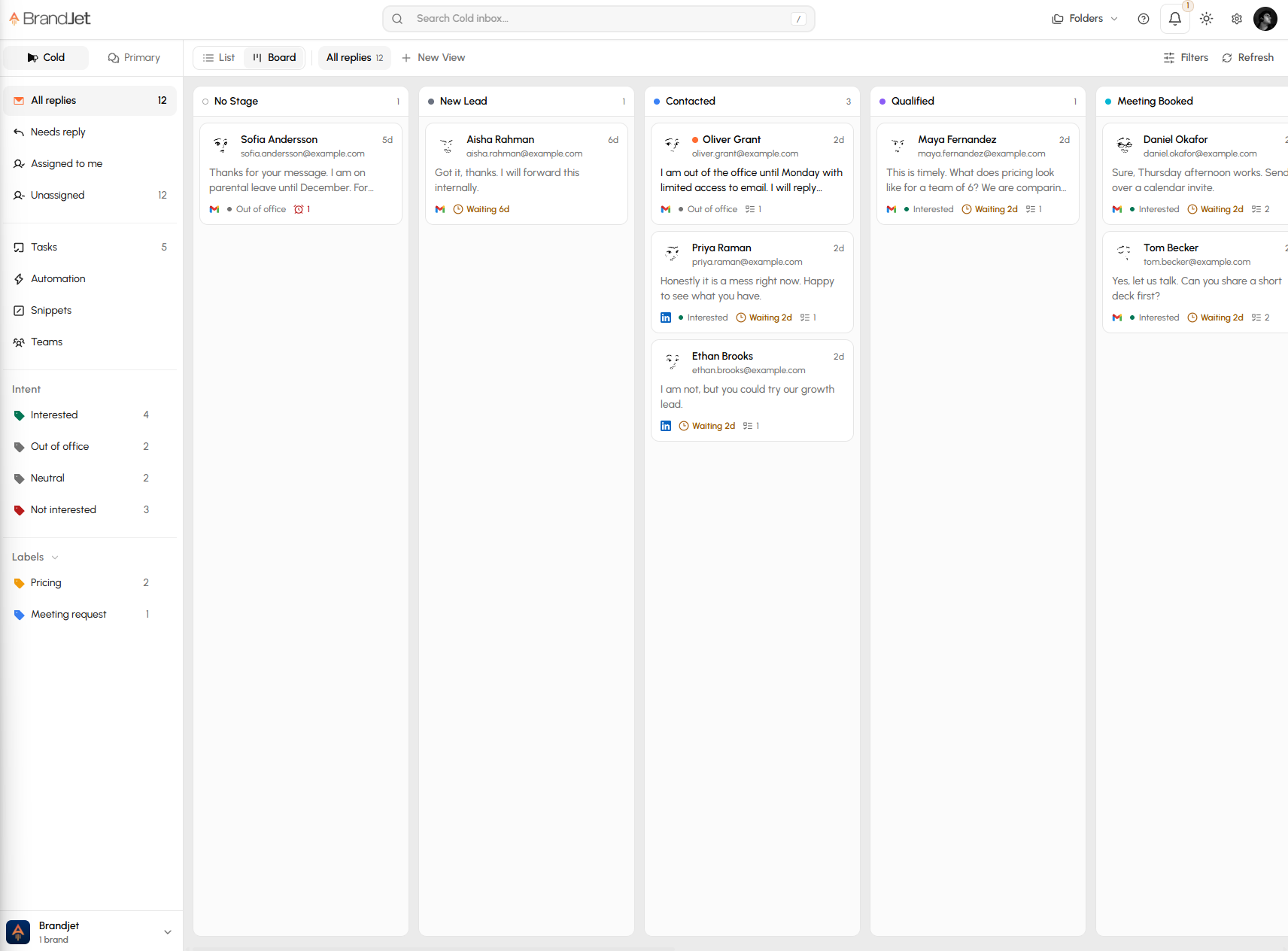
Switch the inbox to Board to see every contact as a card in their pipeline stage, and drag a card to move them along.
Why it matters
Following each lead meant jumping between the inbox and the pipeline to see where things stood.
- Switch between List and Board at the top left of the inbox
- Drag a card to another stage to move the contact
- Cards show when the latest reply is interested, not interested or out of office
- Open a card for the contact's full history across channels, with messages, notes, tasks, meetings and proposals, and reply from there